Oh my sweet little Bot! How the students and I have adored thee! This year has been a unique experience working computer science basics of coding in to my math classroom. Expanding and applying math in with robotics was rewarding and engaging. You can read about my previous experiences at the links below.
We used them again to review and apply geometry concepts prior to the Geometry Unit. On the Ozobot site, there is a great task card challenge for middle school by Erin Wilson.
For my students, I wanted some higher level concepts and tasks so I developed my own task cards.
I also provided cm graph paper for them to use. I had them each complete a minimum of 4 tasks and if they realized multiple ones could be done within the same item, then I let them and secretly cheered behind their back for the thought processing. It was not super intense and nice little integration into the content.
To prepare, I made one copy of the task cards and laminated them. They were all placed on the back counter and students chose which one they wanted. After completing, they took it back to the counter and chose another one. That way they were not all doing the same tasks and I didn't have to copy and cut a bagillion cards (or store them). Win-win. 😀 I also cut the FREE Ozobot Practice sheet code templates up and provided them with 3,4 and end-line u-turn code templates if they needed. This helped them having to get a new sheet for corrections. You may download these from Teachers Pay Teachers for FREE here. Thank you Macs Store for the great resource! I included some teacher notes and the Texas TEKS standards.
Incorporating coding into my math classroom has been an incredible experience for my students. Seeing math and being engaged has shown unique growth and attention to detail. I can't wait to see how much more I can use it! You may download all my resources from the Ozobot Classroom Lesson Library here for FREE! Thank you to Erin Wilson for the fabulous activity and inspiration! Enjoy, Lisa
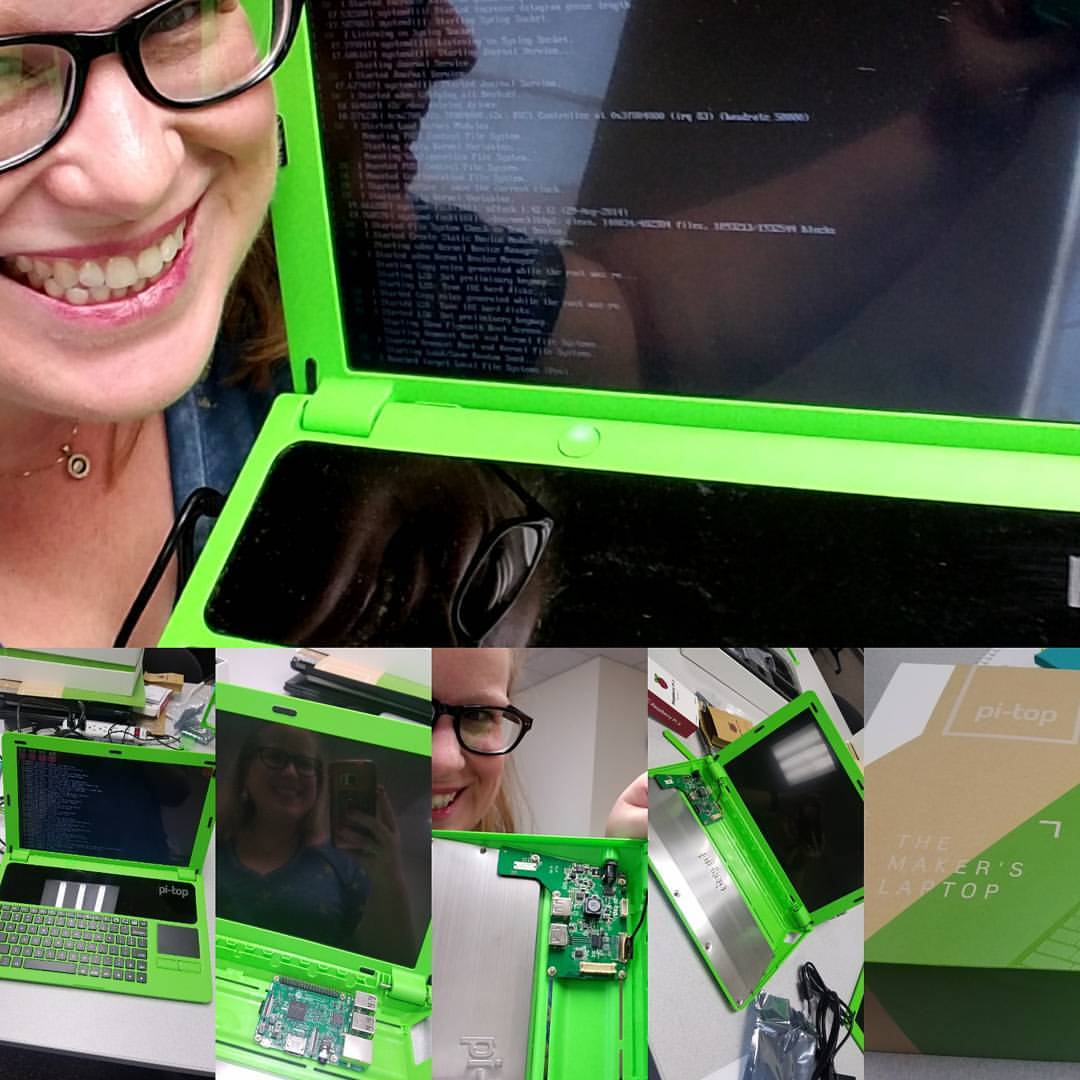
Last year I participated in a WeTeach_CS grant in Texas. It was to help prepare for taking the Teacher Certification test for teaching computer science. I love learning new things and being a teacher, I'm a life long learner. Through this grant, which is currently being offered throughout the state of Texas (Google to see if there is one near you!) It is completely free and not only helps prepare you, it also provides resources for you to take back to your classroom regardless of what you teach!
We built a laptop to use for coding!
We learned to code on our new TINspires!
It was such an incredible and rewarding experience! But how did this make math OZO-some you ask? Through this grant, I discovered a little robot called an Ozobot. A what o-bot? Check out the Youtube intro video here:
And where do I see the value of coding in the math classroom? Well, the minute I started to code all those basic order of operations principles came into play. What else? You had to be precise and accurate and follow directions! Say what? Follow directions and order of operations? Well.... while your students might be well heeled in these practices, I find it a much needed constant 'refresher' for my students.
I loved that the kids made the connection on the first day of using the Ozobots. When we discussed the significance of the robots in the classroom, the one student who loudly exclaimed '.... oh, oh, ohhh.... order of operations!' made it all worth it. I was ecstatic. This is exactly how I worked coding into my math classroom. This was just a beginning but I was able to do something that my students will always be able to connect to the most fundamental life skill for success in anything... order of operations and following directions.
The Ozobot website has premade lessons and activities for your students as well. I used this one to start with the students. I showed the video above then followed up with the following 2.
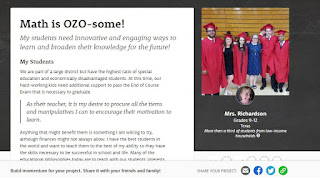
So how do you get an Ozobot? I did a DonorsChoose.org classroom project. I promoted the heck out of it because I wanted this for my students. The first week they will even match your donations. Here is my project so you can see the specifics. Click on the picture to follow the link.
Those of you unfamiliar with DonorsChoose.org should definitely look into it. It is completely FREE for teachers and I found it to be a very easy grant writing process. I feel passionately about my students and with DonorsChoose I can express that passion effectively. I was lucky to have this project funded and blessed beyond belief for the value it gave my students in not only math processes but a whole new world of coding for some of them!
I plan to do more with them and below are pictures of our first days. These graduate from simple coding into loops and what if and logic statements for my hardcore coders. They are wonderful for learning to code.
I love when kids get so into it they put it on social media 💓💓
They decided to build a great course.
I highly recommend you look into the WeTeach_CS grants if you can. It was so rewarding for both for me and my students. If you are in the Houston area and would like to check out my classroom set of Ozobots let me know. I'd love to help you see the coding in math!